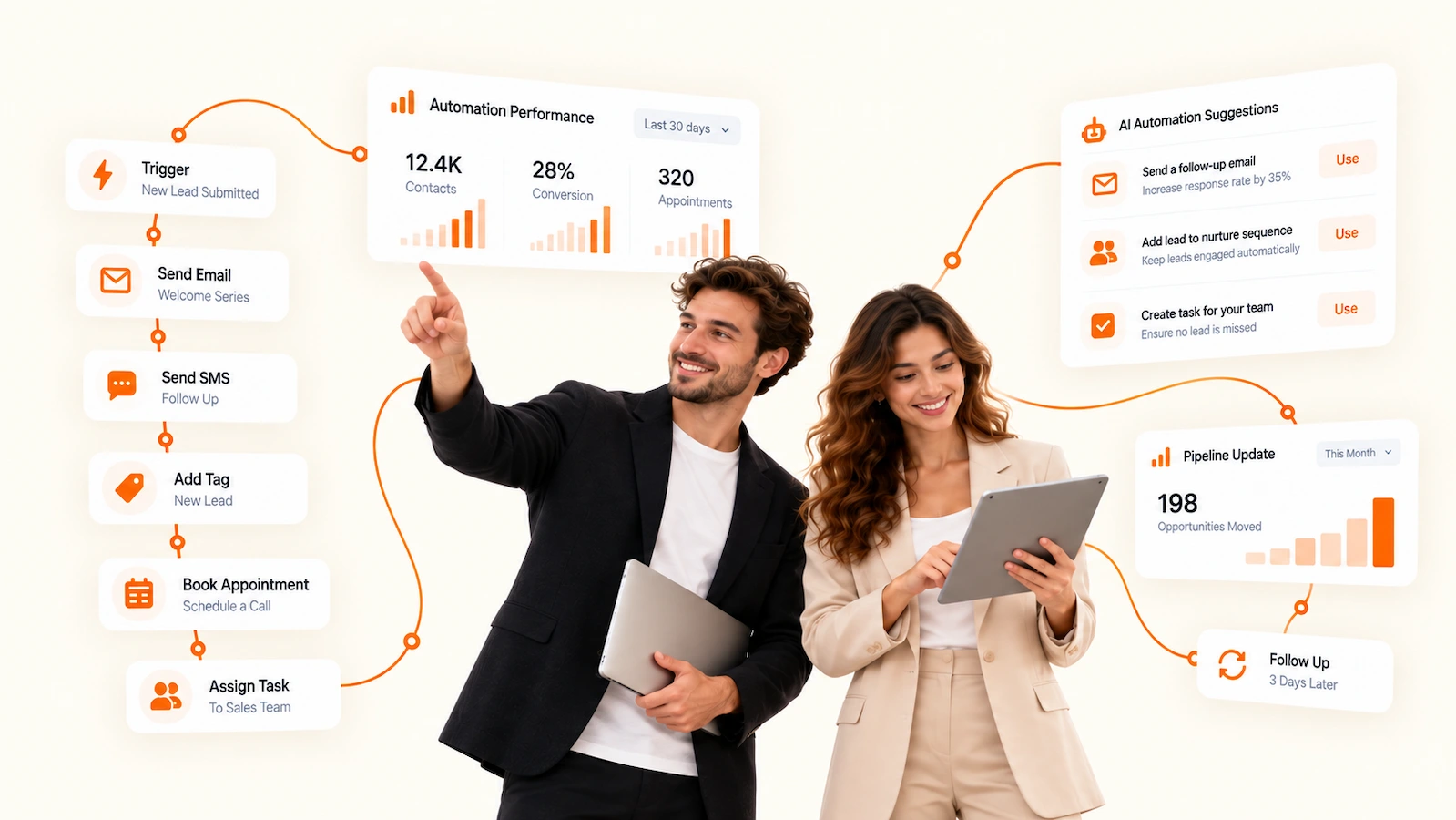
Design workflows around real customer activity.
Start from a template or build visually from scratch. Configure multiple triggers, filters and enrollment rules so each workflow begins at exactly the right moment.
AELESTRA turns form submissions, bookings and pipeline activity into hands-free automation. Build journeys that send follow-ups, assign tasks and keep your CRM, email marketing and booking system working together in real time.
Build powerful workflows inside AELESTRA that react to customer activity, connect your CRM, communications and booking system, and give your team visibility into every enrollment, action and result.
Start from a template or build visually from scratch. Configure multiple triggers, filters and enrollment rules so each workflow begins at exactly the right moment.
Connect actions, waiting periods and conditional paths to shape complete customer journeys. Use intelligent workflow tools to refine complex automations faster.
Track enrollments, review workflow performance and inspect execution history when you need more detail. Test changes, review errors and publish with greater control.
Explore how AELESTRA builds automated customer journeys. Open workflows, configure triggers, add actions, test paths and review execution data directly inside this interactive demo.
Respond to new leads, assign an owner and continue follow-up until the contact replies.
Send confirmations and timed reminders before a scheduled appointment.
Trigger specific sales actions whenever an opportunity enters a new stage.
Re-engage inactive customers with timed communication and response-based branching.
Automatically follow up when a call is missed and route replies into the customer journey.
Request feedback after service completion and continue the journey based on the response.
Control when contacts can enter this workflow.
Control delivery behavior and workflow timing.
Configure the workflow editing experience.
Internal information for this workflow.
Automatically respond to new leads and continue follow-up based on engagement.
Send booking confirmations and reminders before the appointment.
Re-engage inactive contacts using timed messages and conditional paths.
Start sales actions automatically whenever a deal moves to a new pipeline stage.
This interactive experience demonstrates the AELESTRA Automations workflow. Demo actions remain inside this experience and do not contact real customers or publish real workflows.
Explore the Full PlatformClear answers about workflow triggers, actions, branching, enrollments, execution logs and connected customer journeys inside AELESTRA Automations.
Automations can start from business events such as form submissions, new contacts, pipeline changes, booked appointments, payments, email replies, inbound messages, added tags, signed contracts and webhooks.
A workflow can send emails and text messages, add tags, update opportunities, assign users, create internal notifications, add wait steps, apply conditional logic and pass data through connected webhooks.
Yes. The visual builder lets you combine actions, wait steps and conditional branches so different contacts can follow different paths based on activity, status or other workflow conditions.
AELESTRA workflows can connect activity across forms, CRM updates, appointments, payments, documents and customer communications, allowing the next action to happen inside one coordinated workflow.
Yes. Workflow settings can control re-entry and stop-on-response behavior, giving you control over whether a contact can enter the same automation again and when an active sequence should end.
Yes. You can build from scratch, start with a reusable workflow template or use AI-assisted generation to create a starting structure that can then be reviewed and customized for your business process.
Yes. Enrollment history gives your team visibility into who entered a workflow, what triggered the enrollment, the contact's current step and the status of that automation journey.
Yes. Execution logs provide a detailed record of automated steps and their status, helping your team review what happened during a workflow and identify actions that may require attention.
See how AELESTRA Automations can fit your customer journey and day-to-day operating workflow.