Invoicing & Payments

Send invoices. Get paid faster

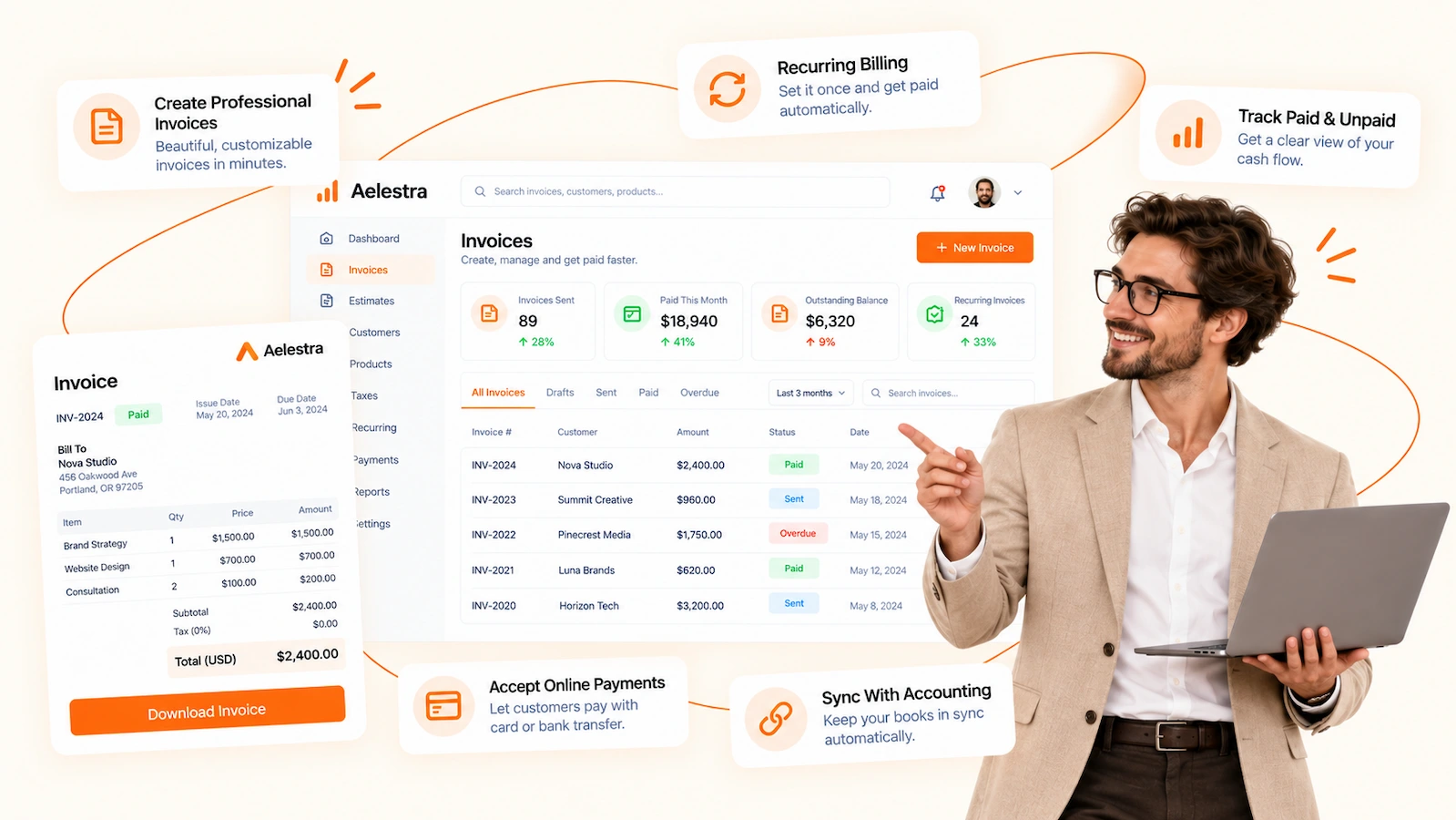
Create professional invoices in seconds. Share by email or text with secure pay links. Automate reminders, recurring billing, and sync every payment to your CRM.

Core Features

Invoices, reminders, and
payments in one place

Build branded invoices in seconds and share by email or text. Automate billing, track taxes, and sync every payment to your CRM.

Send & Share Anywhere

Email or SMS with a hosted pay page, quick QR codes, and “text-to-pay” for instant approval.

Payments & Wallets

Accept cards, Apple Pay, and Google Pay. Offer deposits, partial payments, and card-on-file.

Smart Reminders & Fees

Automated overdue notices, optional late fees, and instant receipts upon payment.

Invoicing Journey

From invoice creation to paid in full

Connect payments, build branded invoices, add items and taxes, schedule deposits, send by email or SMS, and track statuses in real time—fully synced with AELESTRA CRM.

What your team sees

Draft
0
Due
0
Paid
0
Overdue
0
Today
Gateways
Stripe PayPal Authorize.net
Wallets
Apple Pay Google Pay Cards

Connect at least one gateway to start receiving payments.

Invoice & estimate templates
Classic
Logo, business details, totals
Modern
Big headings, clean lines
Service
Hours, rates, notes

Save defaults for taxes, terms, and messages.

Business & customer
Business
Customer
Issue date
Due date
Preview
INVOICE #0007
Bill to: Client Name
Items • Subtotal • Tax
Total Due
PDF-ready, brand colors and logo included.
Add products or services
Item
Price
Qty
Tax
OptionsAdd discount Add tax
Catalog picker
Select Product ▾ • Price • Currency
Pull from your products list or type custom lines.
Payment schedule
Deposit 30% • Milestone 50% • Final 20%
Late feesEnable Grace Period
Recurring billing
Monthly on the 1st • Card on file
Great for retainers and subscriptions.
Send invoice
Email • SMS • Copy link • QR code
“Invoice by text” for instant approval and faster payment.
Hosted pay page
Pay now • Apple Pay • Google Pay • Cards
Automatic receipts sent on success.
Status timeline
Created → Sent → Viewed → Paid
Export • CSV • PDF
Filters
Date range
Customer
Draft Due Paid Overdue
Estimates
Send quotes • Collect approval • Convert to invoice
Recurring invoices
Auto-send on schedule • Card on file • Pause/Resume

Overview. Drafts, dues, paid, overdue—with live receivables chart.

Benefits

Why businesses choose AELESTRA Invoicing

Create polished invoices in seconds, share by email or text with a secure pay page, automate reminders and late fees, schedule deposits or recurring billing, and see every status synced to your AELESTRA CRM.

🧾

Branded templates

Logo, business details, line items, taxes, notes, and PDF export so every invoice looks professional.

📲

Send by SMS or email

Share a hosted pay link or QR code. “Invoice by text” gets approvals and payments faster.

💳

Fast, secure payments

Stripe, PayPal, Authorize.net plus Apple/Google Pay. Take deposits, partial payments, and tips.

🔁

Recurring & schedules

Card on file, retainers, milestone billing, and payment plans—no spreadsheets required.

🔔

Smart reminders

Automated nudges and optional late fees with instant receipts and thank-you messages on payment.

📊

Tracking & CRM sync

Live statuses (sent, viewed, paid), exports, and analytics tied to contacts in your CRM.

Send clean  invoicesget paid faster

Create branded invoices in seconds, share by SMS or  email with a secure pay page, accept cards and wallets, and track every status in AELESTRA (no plugins required).

Copyright ©2026 AELESTRA - All Rights Reserved